> ## Documentation Index
> Fetch the complete documentation index at: https://docs.spotzyai.com/llms.txt
> Use this file to discover all available pages before exploring further.
# Platform guide
> Learn how to use Spotzyai.com to automate your phone calls with AI
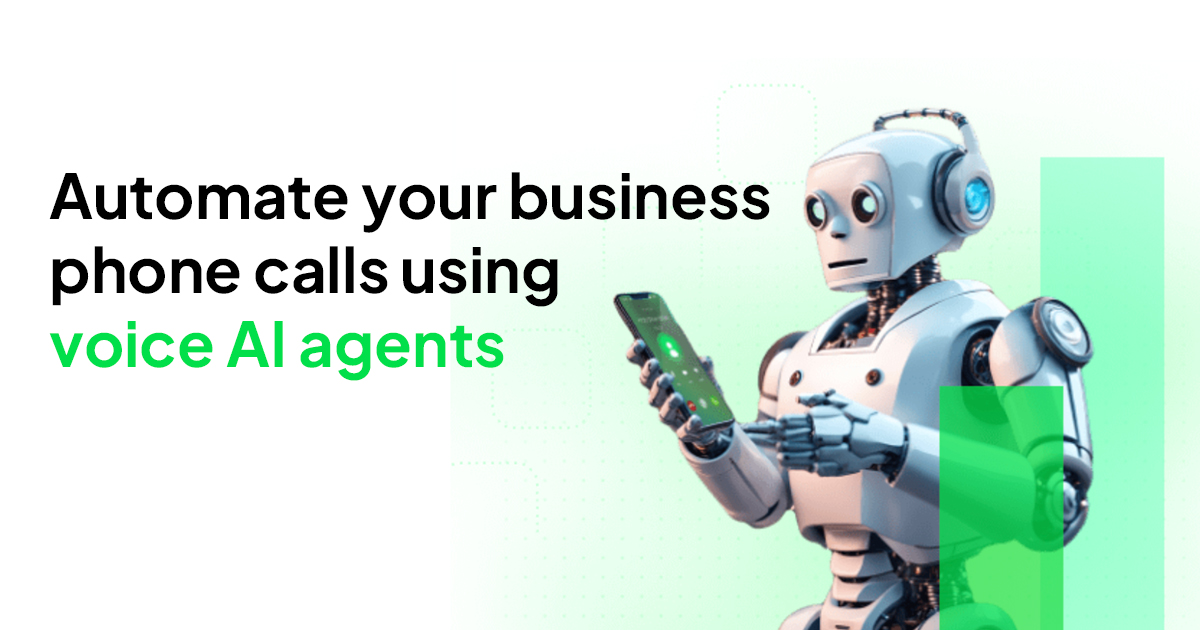 # 📞 Automate phone calls with AI
Welcome to the SpotzyAI documentation hub. Whether you're a product owner, marketer, or developer, these guides will help you build, launch, and scale AI-powered voice experiences.
Need help getting started? Jump to our
core concepts guide
or
contact support
.
## Get started in minutes
Create your free account and access your dashboard.
Define the prompt, choose a voice, and connect any tools you need.
Attach a phone number, launch a campaign, or route inbound calls to your assistant.
## Explore the docs
Learn the core concepts of Spotzyai.com, including AI assistants, phone numbers, and call management.
Build powerful automation workflows without writing code using our visual editor.
Integrate Spotzyai.com programmatically with our REST API and webhooks.
# 📞 Automate phone calls with AI
Welcome to the SpotzyAI documentation hub. Whether you're a product owner, marketer, or developer, these guides will help you build, launch, and scale AI-powered voice experiences.
Need help getting started? Jump to our
core concepts guide
or
contact support
.
## Get started in minutes
Create your free account and access your dashboard.
Define the prompt, choose a voice, and connect any tools you need.
Attach a phone number, launch a campaign, or route inbound calls to your assistant.
## Explore the docs
Learn the core concepts of Spotzyai.com, including AI assistants, phone numbers, and call management.
Build powerful automation workflows without writing code using our visual editor.
Integrate Spotzyai.com programmatically with our REST API and webhooks.